





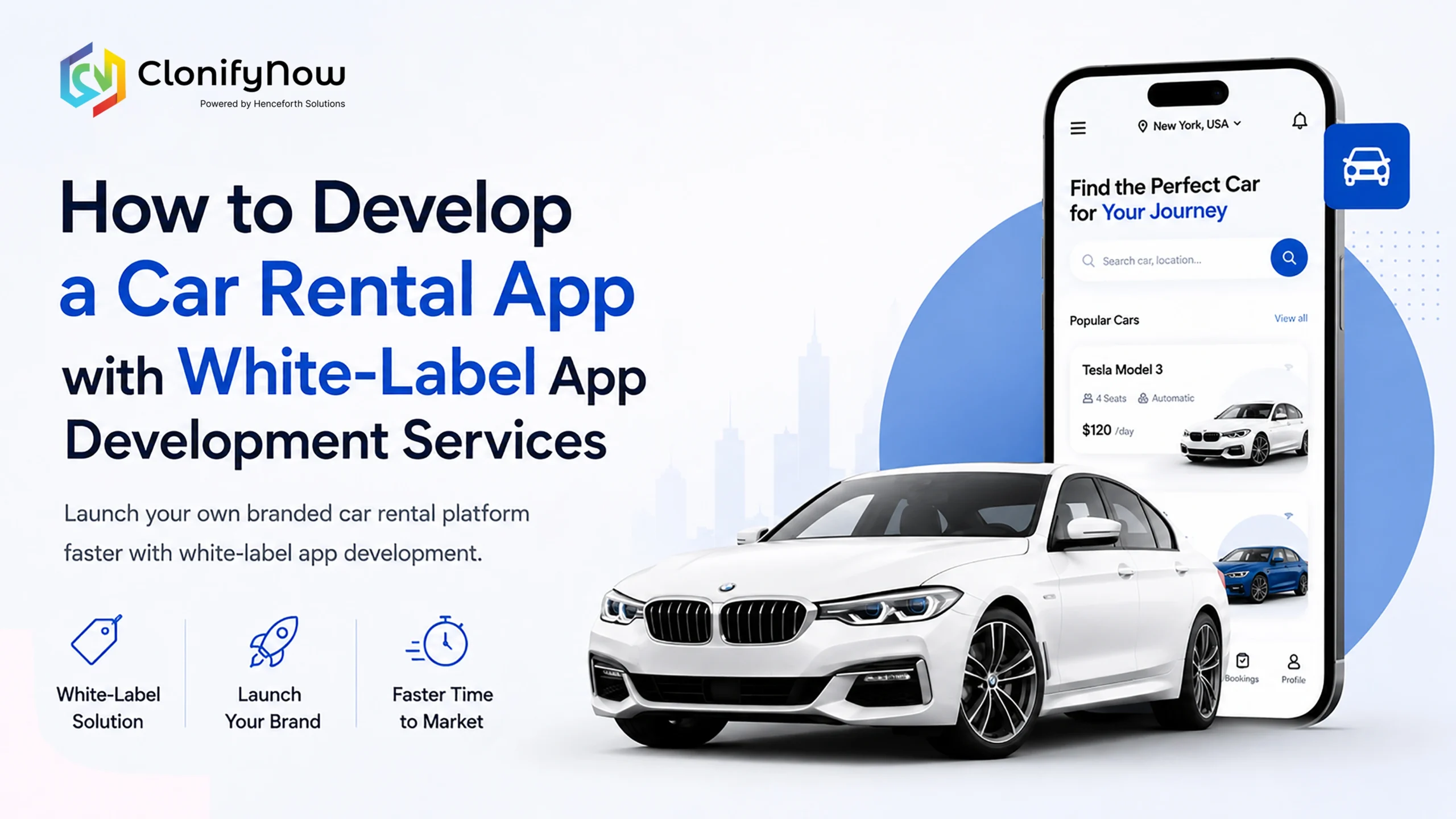
If you run a car rental or travel business, an app can make your work much easier. It helps customers book cars faster, helps you manage vehicles better, and gives you a clearer view of your business. Learning how to develop a car rental app is not only about building software. It is about creating a smoother experience for both customers and business owners. According to Wikipedia, the car rental industry has also moved strongly toward online booking and mobile-first experiences, as seen across the industry and the market. Today, many customers prefer to book through mobile apps, as it is faster and more convenient. A car rental app can help you manage your fleet from one place, showing available cars, collecting payments, and notifying customers of their bookings. This is why many businesses are now turning to digital solutions rather than doing everything manually.
What a Car Rental White Label App Does?
A car rental white label app typically has three main components. One for customers, one for drivers or fleet owners, and one for business admin.
Customer App
This is the app where your customers are. They can search for cars, check availability, compare prices, book a vehicle, and pay online. They can view booking details, receive notifications, and see receipts.
Driver or Fleet App
This part helps car owners and drivers manage bookings, accept trips, update vehicle availability, and track earnings. It also helps them see directions and follow each booking properly.
Admin Panel
This is the main control centre for the business. You can manage bookings, vehicles, users, payments, pricing, and reports from one dashboard. This makes it easier to see how the business is running every day.
Steps to Develop a Car Rental App
1. Decide Your Business Model
You should define how your business will work before building the app. Do you offer self-drive, chauffeur-driven, airport, or long-term rentals? Are you going to own the vehicles or partner with third-party owners? The features of your app will depend on your business model.2. Choose the Right Features
Not every app needs every feature from day one. First, focus on the most crucial elements, such as bookings, payments, availability, and admin controls. Later, you can add advanced features like insurance, dynamic pricing, or vehicle tracking.3. Keep the Design Simple.
A good app should be user-friendly. Customers should be able to search, book, and pay without any confusion. Drivers and fleet owners should also be able to operate the app without training. A simple design is always better than a complicated layout.4. Select the Right Technology
It needs to be built on trusted technology so it works perfectly on Android and iPhone. Also, it should integrate with maps, payment gateways, and notification systems. If you want it to be live, the app also needs to support live vehicle tracking.5. Test the App Carefully
Test the app on real phones, in real situations, before releasing. Make sure that bookings are working fine, that payments are secure, and that location tracking is precise. Testing helps you identify issues before your customers do.6. Launch and Improve
When the app is ready, start with a limited group. Solicit feedback from users and iterate. This lets you discover issues early on and build a better experience for future customers.How to Manage My Travel Business by Using a Car Rental Software?
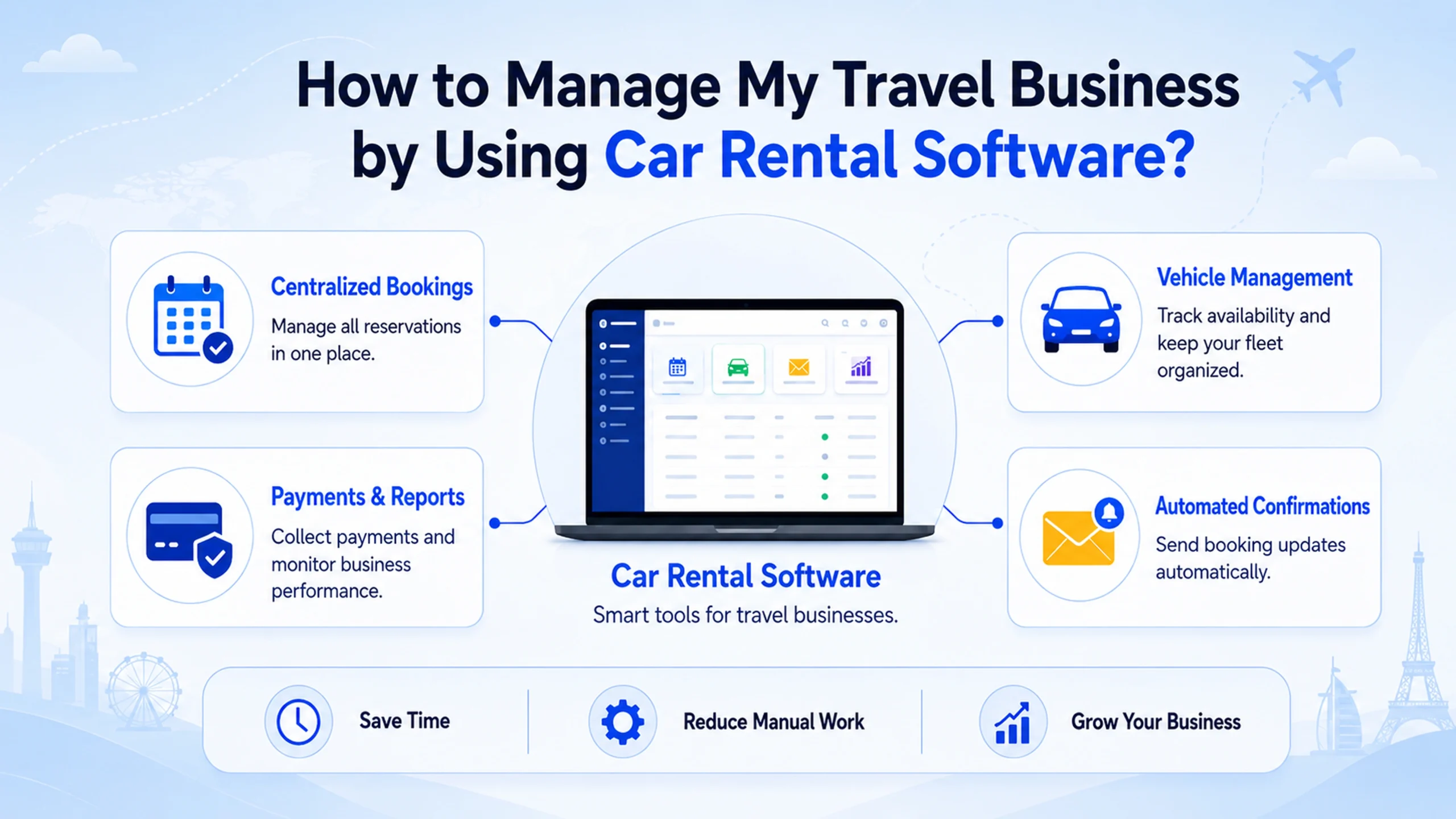
If you are running a travel business, car rental software can help you save time and reduce manual work. See all your bookings in one place, manage your vehicles more easily, and keep track of your customers’ details without using spreadsheets. It can also help you send automated booking confirmations, collect payments, and generate reports. This is great if you want to scale your travel business without a large team. A good software system can facilitate and streamline daily activities.
What Are the Specific Features of Car Rental Apps?
A good car rental app should have the features people actually need. Some of the most useful ones are:
- Vehicle search and filtering.
- Real-time availability.
- Online payment options.
- Booking confirmation and reminders.
- GPS tracking.
- Digital receipts.
- Admin dashboard.
- Customer support options.
- Vehicle maintenance tracking.
These features help both the customer and the business owner. They also make the app feel professional and trustworthy.
Why Choose a White Label Car Rental App?
A white label car rental app is a ready-made solution that can be branded with your business name and logo. It saves time because you do not have to build everything from scratch. It also lowers development cost and helps you launch faster. If you want a quick and practical way to enter the market, a white-label car rental management software solution is often the best choice. It already includes the basic tools you need, so you can focus more on running the business and less on building the technology.
Key Things to Remember Before You Start
Before you begin development, keep these points in mind:
- Decide on your business model first.
- Start with the most important features.
- Keep the user flow simple.
- Choose a platform that supports growth.
- Test everything before launch.
- Use a white-label solution to launch faster.
These steps will help you avoid mistakes and build a stronger product.
Ready to Build Your Car Rental App?
A car rental white label app can make your business run faster and more easily. It helps customers book more smoothly and helps you manage your cars more effectively. If you want to launch quickly, a car rental white label app can save you time and give you the main features you need from the start. For businesses looking to grow quickly, this is often smarter than starting from zero. You can also connect this with your main website through app development services. So users can easily move from your content to your service page.
FAQs On How To Develop a Car Rental App
1. How to develop a car rental app?
Figure out your business model, identify the necessary capabilities, and decide whether you want a custom build or a white-label solution.
2. What are the specific features of car rental apps?
The major features are vehicle search, booking, payments, GPS tracking, admin control, and booking notifications.
3. How do I manage my travel business by using car rental software?
Car rental software lets you manage your bookings, vehicles, payments, and reports all in one place to make your business organized and efficient.
4. What is a car rental white label app?
It is a ready-made car rental app that you can brand with your own name, logo, and business details.
5. Is white label car rental management software good for small businesses?
Yes, it is a good solution for small businesses because it is faster to launch and typically more cost-effective than custom development.


 +91-9464826889